
See ScrollPause in action.
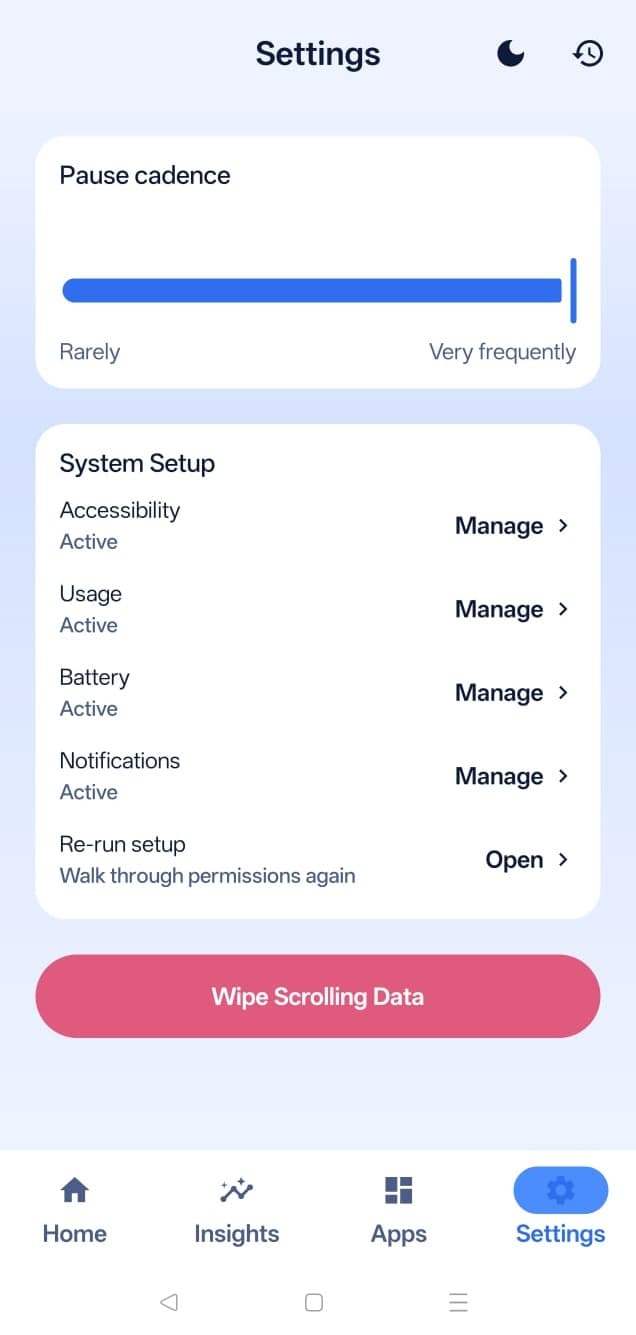
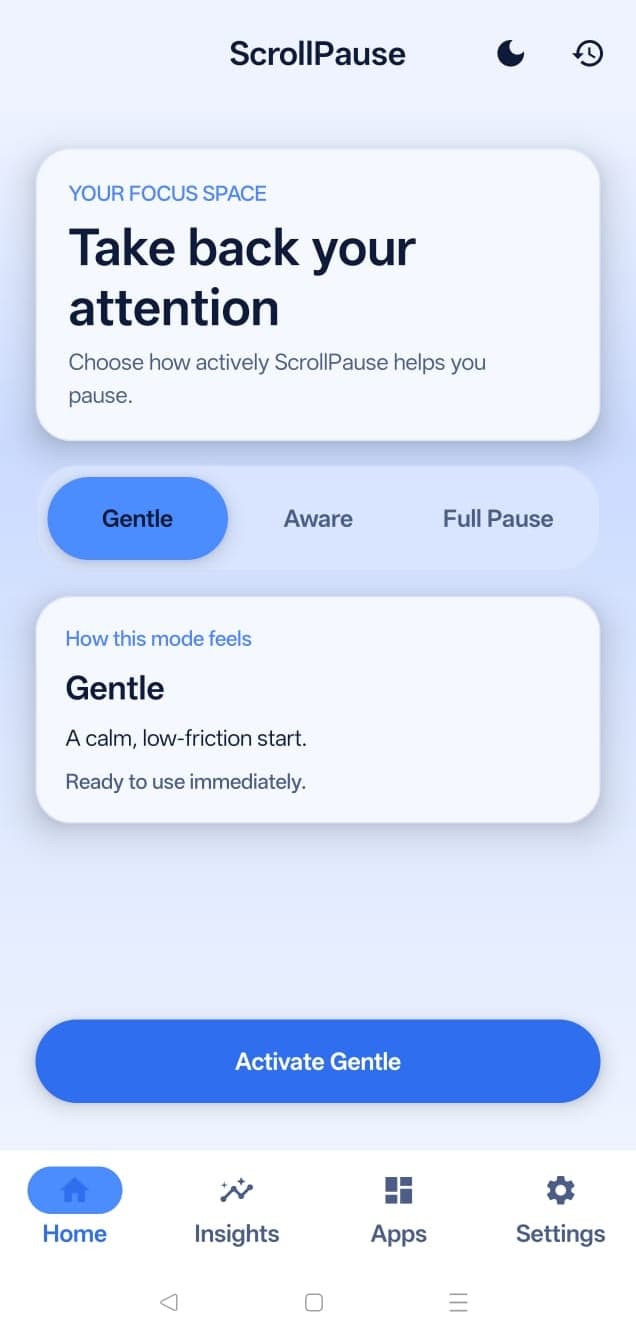
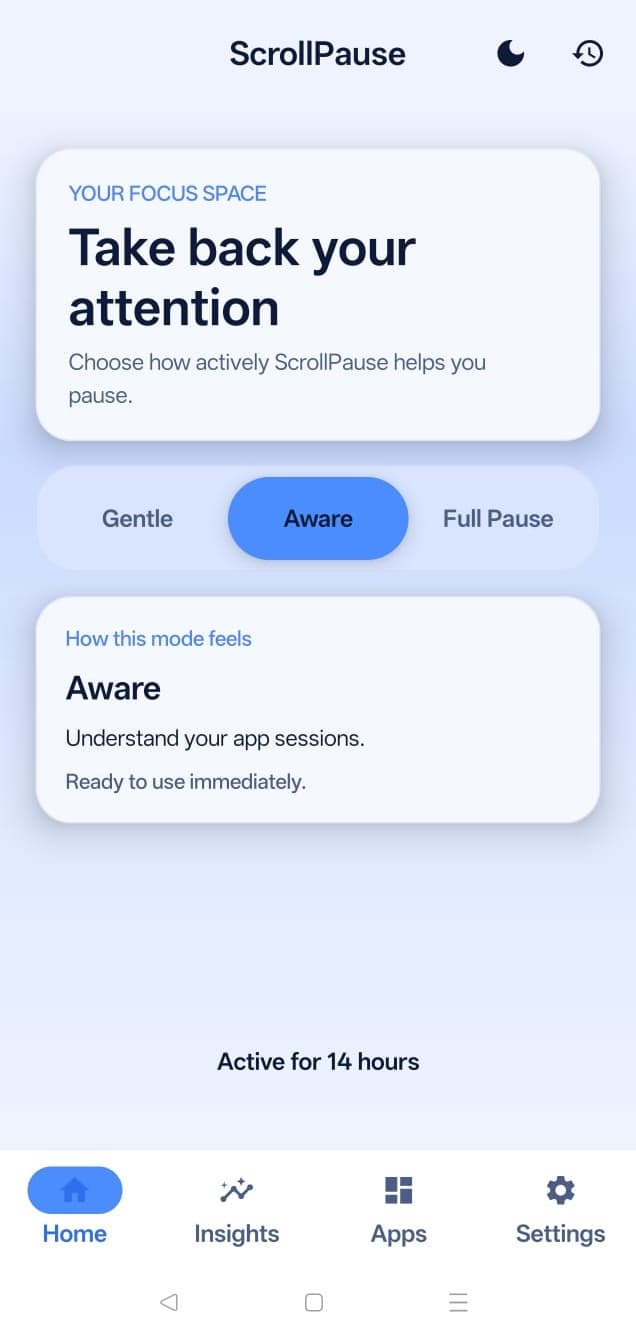
Gentle mode. Timed nudges, nothing more.
What happens during a pause
Your phone is in your hand. You're 12 minutes into Instagram. ScrollPause sends a notification: a Mary Oliver quote and a gentle prompt. You tap.
A small piece of curated content opens on top of Instagram - maybe a poem, maybe a single curious fact. You read for thirty seconds. You close the tab. Instagram is right there where you left it. You're the one who decides whether to keep scrolling.
A quick demo
A 30-second screen recording of ScrollPause in real use. You'll see the pause notification arrive, the tap to open a small Discover moment, and the return to the app you were already in.
What this demo shows
- ScrollPause noticing when scrolling has gone on a while.
- A calm pause notification instead of another endless feed.
- Tap to open a small piece of Discover content in the moment.
- You stay in control of whether to keep scrolling afterward.
Share this demo
If you want to send someone a quick look at ScrollPause, share the video link or this page.
Video link
https://youtube.com/shorts/DzG5RiSCgwwSuggested caption
ScrollPause gives you a deliberate pause when scrolling starts to feel automatic. See it in 30 seconds: https://youtube.com/shorts/DzG5RiSCgww
Page link
https://www.scrollpause.com/demoFree for Android
Put a pause between you and the next scroll.
Free on Android. No account, ads, subscription, or hard lockouts. Set it once and let it work quietly in the background.