
What ScrollPause uses
- Scroll-event signals from apps you selected
- Limited content-change signals for YouTube scroll detection
- The selected app’s package identity
- Session timing needed to decide when a pause is due
Optional Android permission
Full Pause needs real-time scroll signals. It does not need your screen content. Here is the exact boundary, in plain language and in the app’s configuration.
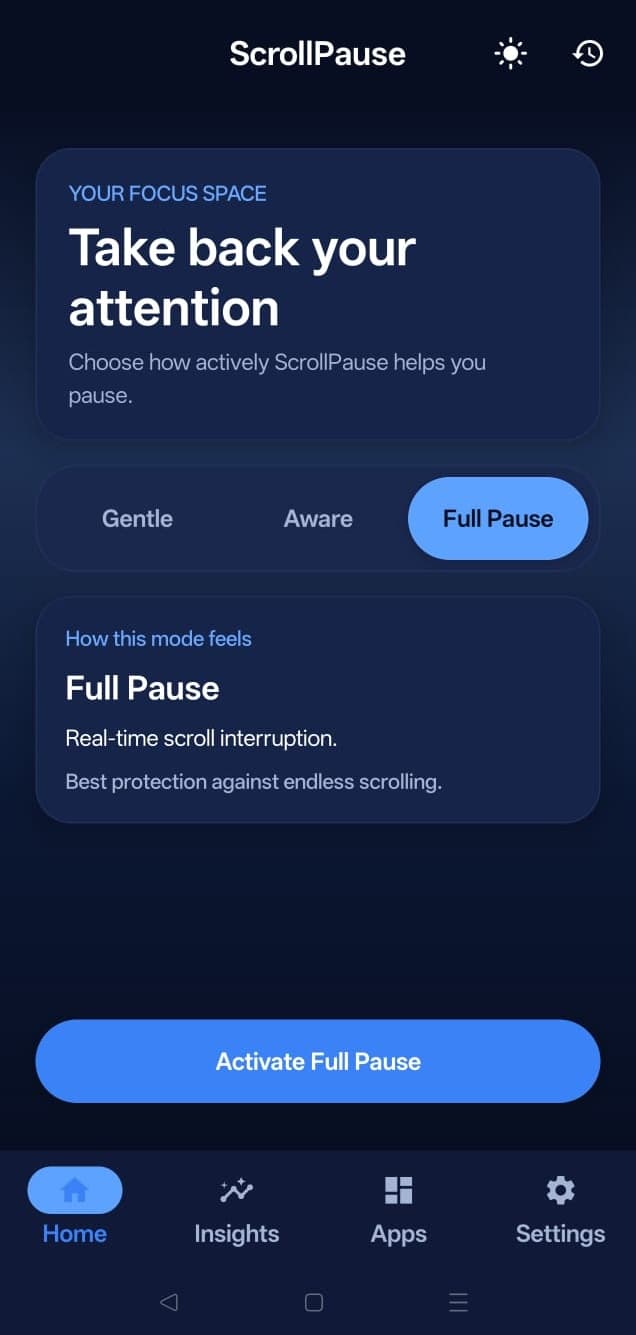
The short answer
Android’s Accessibility Service is the only practical way for an app to react while scrolling happens inside another app. ScrollPause narrows that service to the apps you select and the event signals needed to recognize a scrolling pattern.
The technical boundary
android:canRetrieveWindowContent="false"The Android service declaration explicitly disables retrieval of the active window's content. ScrollPause does not request the screen's text hierarchy.
serviceInfo.packageNames = selected appsAt runtime, the service limits events to the app groups you enabled, recognized browsers when selected, and official YouTube packages needed for its scroll fallback.
TYPE_VIEW_SCROLLED · TYPE_WINDOW_CONTENT_CHANGEDThe primary signal is Android's scroll event. A limited content-change event is used only as a scroll-like fallback for YouTube versions that do not consistently report normal scroll events.
The source-of-truth privacy commitment is also recorded in the full privacy policy.
Before Android Settings
ScrollPause does not drop you directly into a system permission screen. Full Pause first presents a dedicated disclosure with the same boundaries listed here.
Gentle and Aware remain available if you do not want to use Accessibility.
It states the purpose, the six things ScrollPause does not do, and the path for revoking access.
Only then does ScrollPause open Android's own Accessibility settings.
Android shows its standard warning. The permission remains controlled by the operating system and by you.
Change your mind
Real-time scroll detection stops. ScrollPause automatically falls back to Aware mode, which uses Android Usage Access for session timing. You can also choose Gentle mode for timer-only reminders.
Questions
No. It is required only for Full Pause mode. Gentle mode uses timed reminders, and Aware mode uses Android Usage Access for session-aware nudges.
No. The service is configured with window-content retrieval disabled. ScrollPause processes scroll and limited content-change event signals for selected apps, not the text, images, messages, or passwords displayed in them.
No data from the Accessibility permission is sent to a server. Personal scroll history and insights are computed and stored on your device.
Android displays a generic warning for Accessibility services because the platform permission can support many powerful use cases. ScrollPause limits its service configuration and code to selected packages and the event types needed for scroll interruption.
Full Pause stops immediately and ScrollPause falls back to Aware mode. Your existing settings and on-device history remain available.
Free for Android
ScrollPause works without Accessibility. Use Gentle or Aware first, then enable Full Pause only if real-time interruption is worth it to you.